May 19, 2026
Switching from Windows to Linux
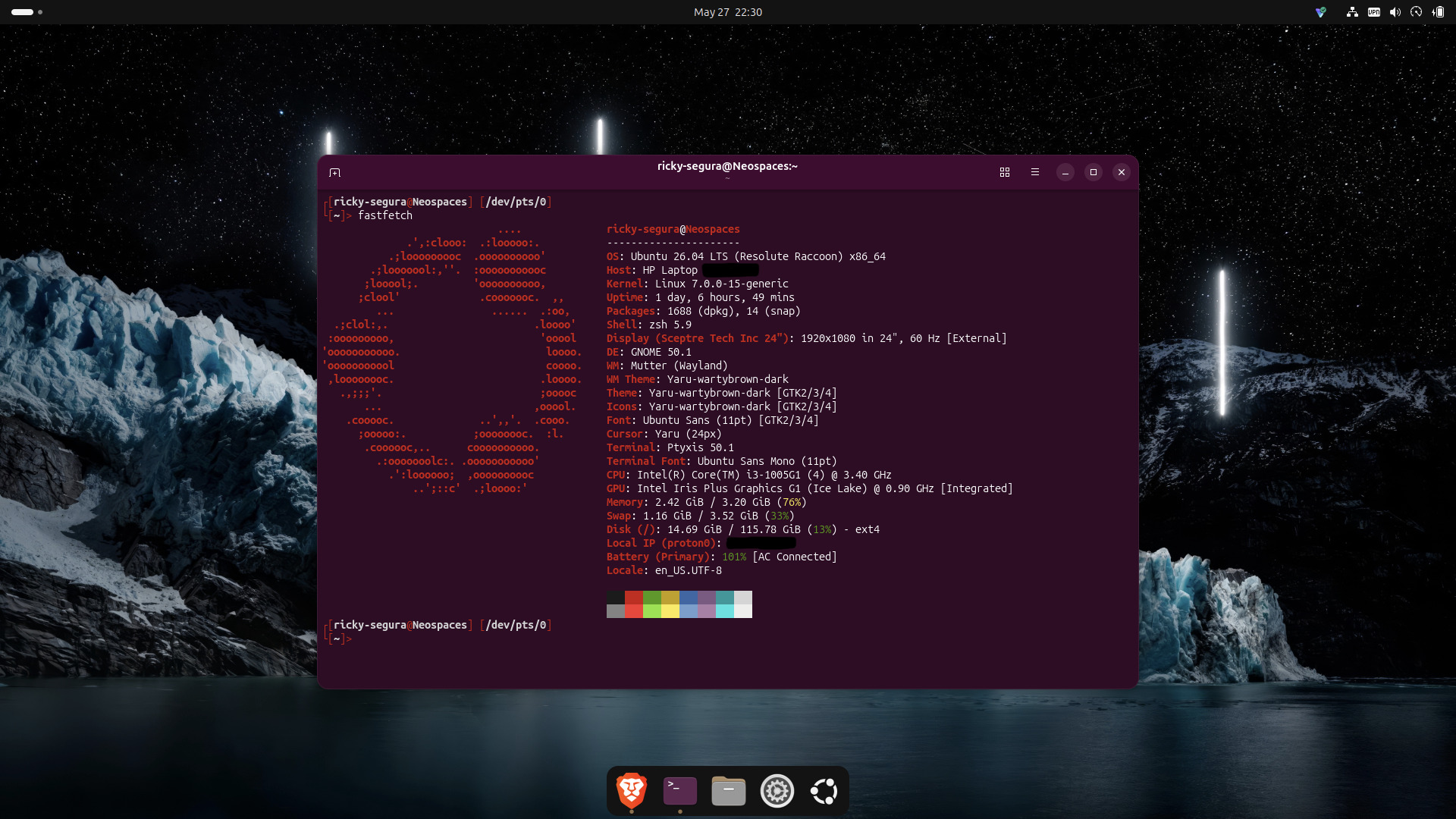
From Windows Trash to Linux Lab
I've been meaning to do this for years. An old HP laptop collecting dust, a USB drive sitting in a drawer, and a Sunday afternoon with nothing to lose. By the end of the day I had a fresh Ubuntu install, a tricked out Neovim setup, a custom Zsh shell, and had accidentally scanned my entire home network and identified every device on it.
The Great Windows Purge
Look, I don't hate Windows. But I'm done with it. Bloat, forced updates, telemetry, the general feeling that your computer is running against you instead of for you. Linux has been on my radar forever and I finally just did it.
I almost went with Kali Linux — I dabbled with it years ago when I first got curious about security. But Kali is a penetration testing distro, not a daily driver. Running it as your main OS is a bit like showing up to the grocery store in full tactical gear. Ubuntu made more sense, and honestly the installer is so smooth in 2026 that there's almost nothing to it.
A few decisions worth noting for anyone doing the same:
Skip the extended app selection. Default is fine, you can install what you actually need later with apt. Extended just loads up your machine with stuff you'll never open.
Check the proprietary software box. This one matters, especially on HP hardware. Codecs, GPU drivers, Wi-Fi firmware — let the installer handle it rather than hunting it down post-install.
Require a login password. Skip Active Directory. Active Directory is for corporate networks. Unless you're connecting to a work domain, ignore it.
The whole install took maybe 20 minutes. Rebooted into a clean, fast Ubuntu desktop and immediately felt the difference.
The Terminal Setup
Once the base was in, it was time to make it feel like home.
Neovim + LazyVim
I've been using Vim on and off for years but never really committed to a proper Neovim setup. Today was the day. LazyVim bootstraps itself on first launch and gives you a fully configured IDE-like environment out of the box — LSP support, fuzzy finding, syntax highlighting, Git integration, the works. Three commands to get there:
git clone https://github.com/LazyVim/starter ~/.config/nvim
rm -rf ~/.config/nvim/.git
nvim
Open Neovim, watch it install everything automatically, done.
Zsh + Oh My Zsh
Bash is fine. Zsh with Oh My Zsh is better.
Installing Zsh and making it the default shell:
sudo apt install zsh -y
chsh -s $(which zsh)
Oh My Zsh on top of that, a custom theme, and the terminal suddenly feels like a place you want to spend time.
Going Down the Security Rabbit Hole
Here's where the day took an unexpected turn.
I got curious about ethical hacking again. Years ago Kali was my first Linux experience and I messed around with some tools without really understanding what I was doing. This time I wanted to actually understand the methodology.
The standard penetration testing workflow goes:
- Recon — gather information passively and actively
- Scanning & Enumeration — probe what you found for deeper detail
- Vulnerability Assessment — identify what's exploitable
- Exploitation — gain access
- Post Exploitation — escalate privileges, move laterally
- Reporting — document everything
I installed Nmap and decided to scan my own home network. Just to see what was there.
sudo apt install nmap -y
nmap 192.168.1.0/24
The 192.168.1.0/24 notation took a minute to wrap my head around. An IP address has four octets. The /24 means the first 24 bits are the network — leaving 8 bits for devices, which gives you 254 possible addresses. So that command scans every possible device on the local network in one shot.
Seven hosts came up. Interesting.
Identifying My Own Devices
I ran a more detailed scan:
sudo nmap -sV -O 192.168.1.0/24
-sV probes open ports to identify what's actually running on them. -O attempts OS fingerprinting. It's slower — took a while across seven devices — but the output is way more informative.
One device showed up with ports 3000, 3001, 7000, and 9080 open. Nmap labeled 3001 as "nessus" which immediately looked suspicious. But Nmap is making educated guesses based on port numbers, not actually confirming what's running there.
So I did what any curious person would do and curled it:
curl -I http://192.168.1.X:9080
Response header: Server: NRDP/2022.2.2.0
NRDP — Netflix Receiver Display Protocol. It's my TV.
My Ring doorbell showed up too, but with all ports in ignored/filtered states. That's actually a good sign — Ring's firmware is intentionally locked down and drops scan packets. The device shows as alive from the ping response but doesn't expose anything locally. You can still confirm it's Ring by checking the MAC address prefix (Amazon owns Ring, so the MAC will show as Amazon).
By the end of it I had mapped my entire home network just from port scanning and grabbing HTTP headers. No hacking, no exploits — just reading what devices are openly broadcasting about themselves to anyone on the same network. Eye opening.
The Bigger Picture
The barrier to entry for Linux in 2026 is basically zero. If you can click through a Windows installer you can install Ubuntu. The hardware support has gotten good enough that most things just work.